Nothing slips
Unanswered messages and takeovers surface on their own.
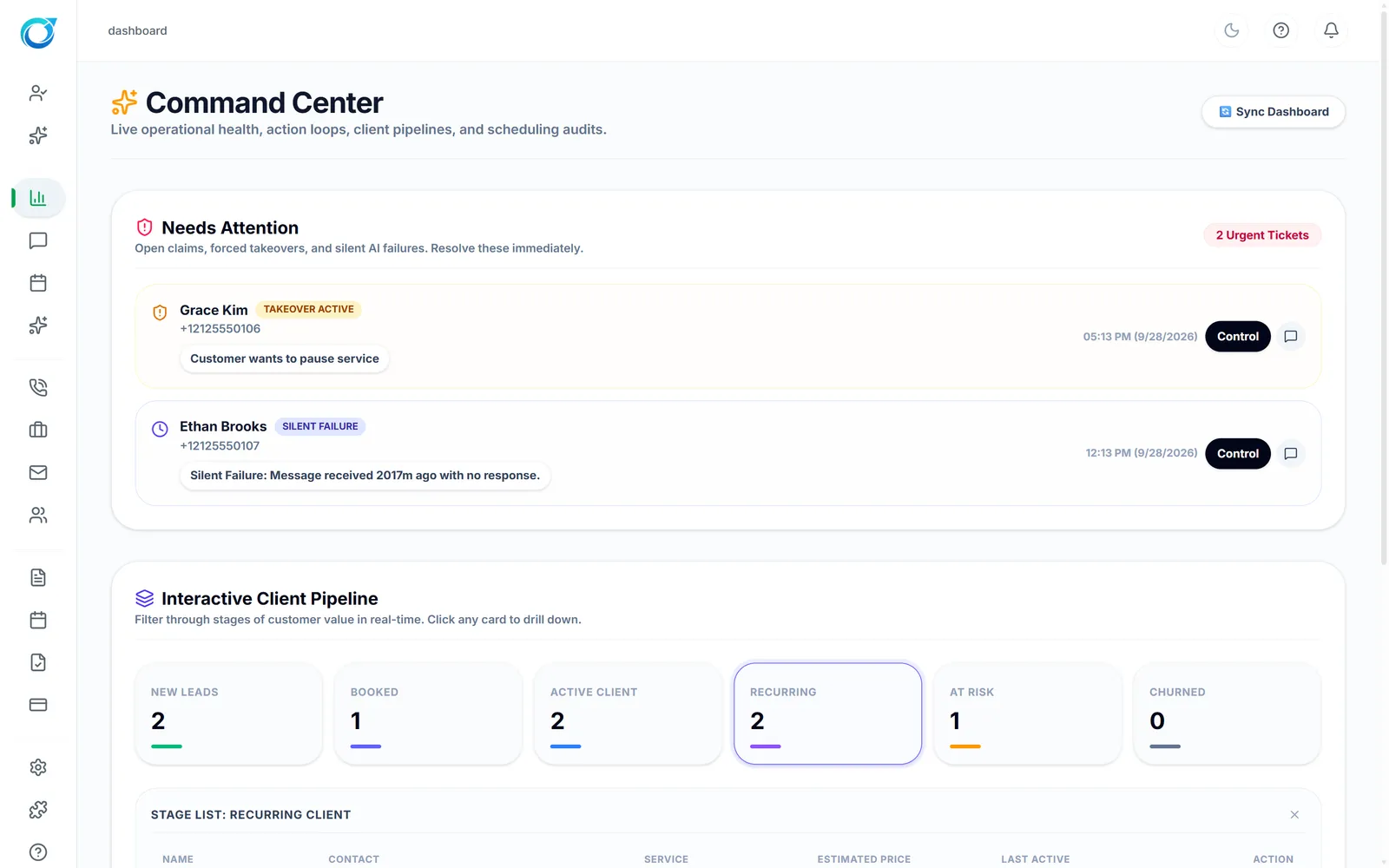
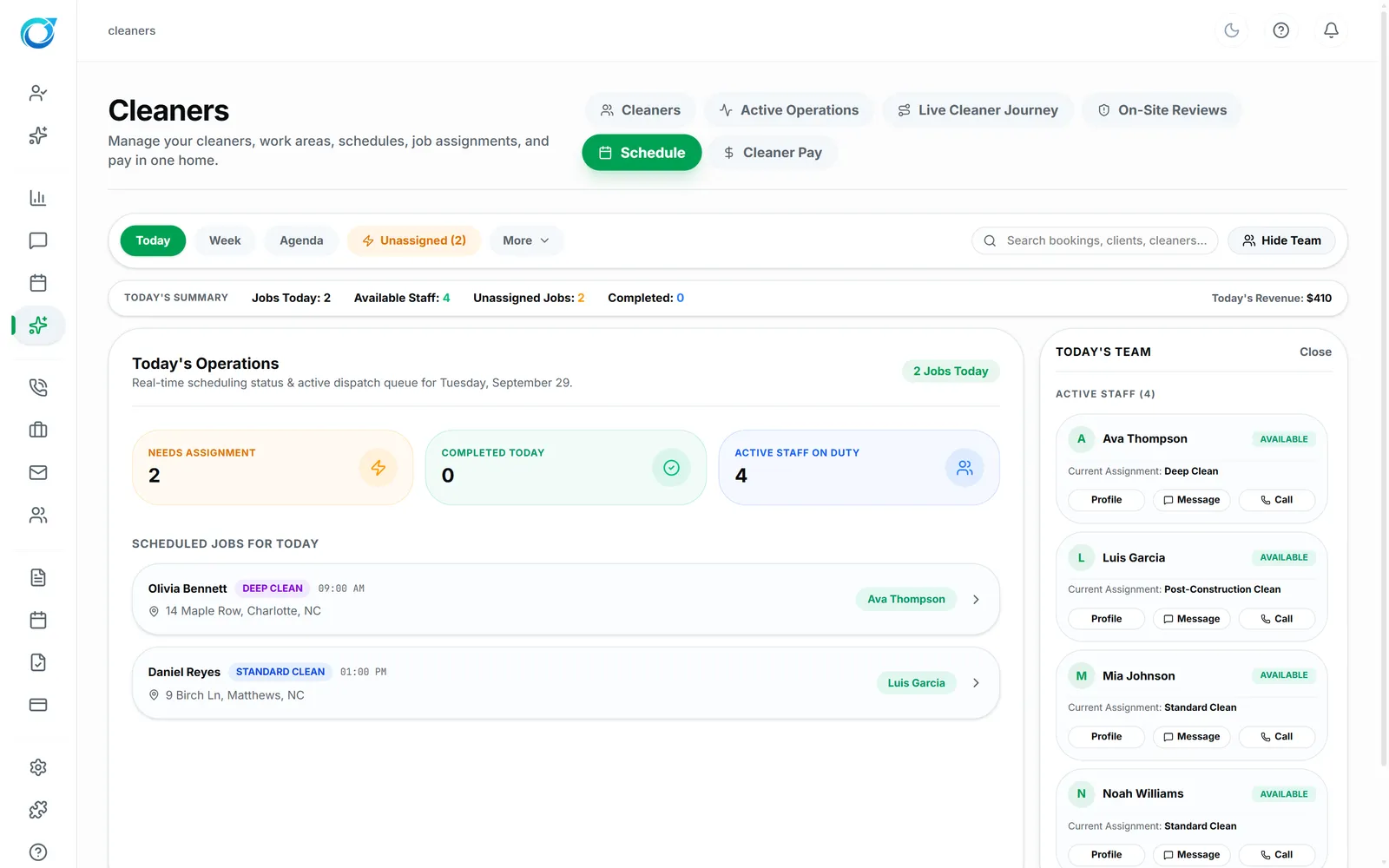
The Command Center shows what needs attention, where every customer sits in your pipeline, and today's jobs, so you can act before something slips.
Real screens from the Cycle Leads app, shown with a demo business.
Select a step to see that part of the app.
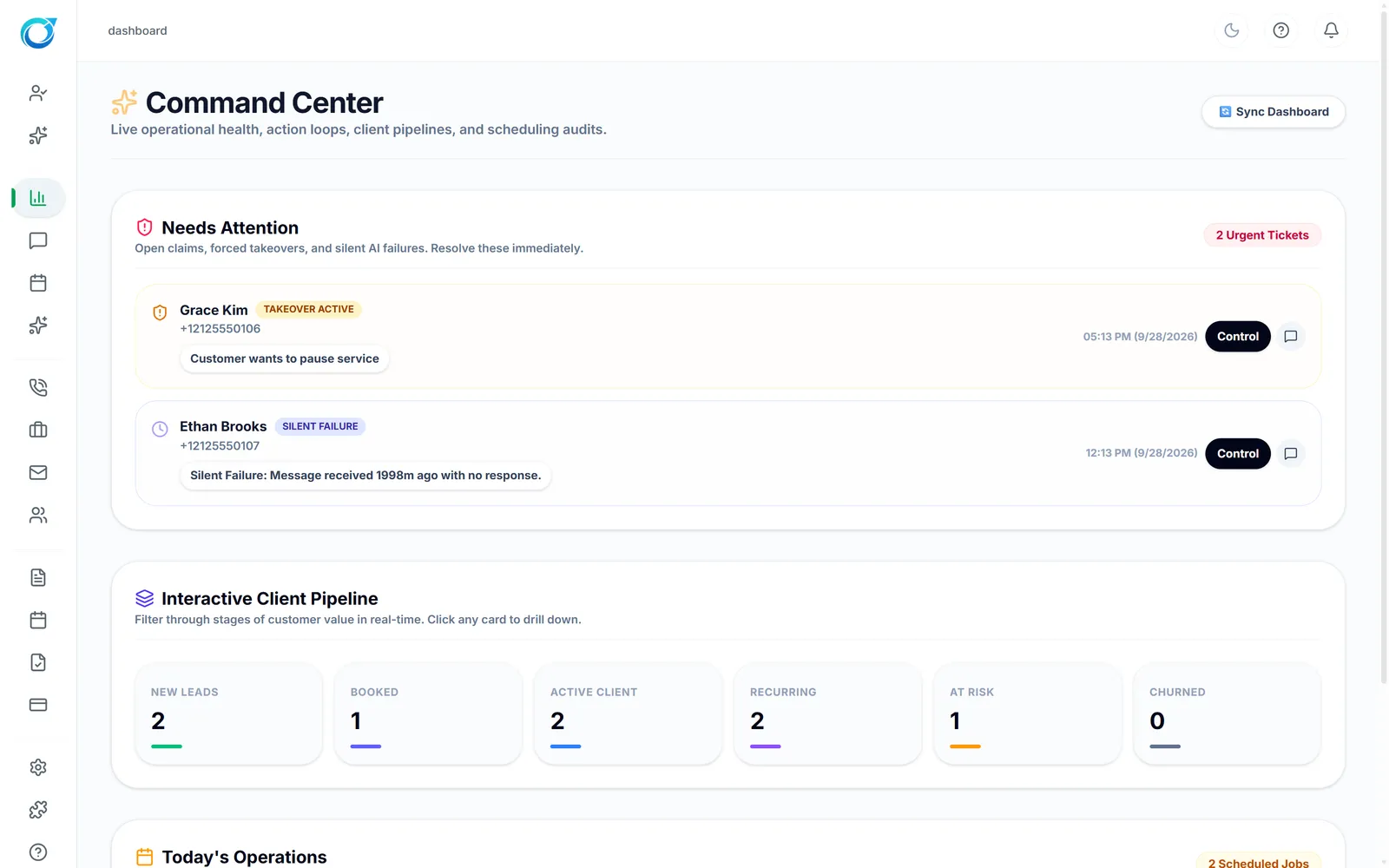
The Command Center is where the day starts. Needs Attention surfaces open claims, conversations your team took over and messages that got no reply, each with a Control button, so nothing sits unanswered.
The Interactive Client Pipeline shows how many customers are New Leads, Booked, Active, Recurring, At Risk or Churned, and a click shows who is in each stage. Today’s Operations lists the day’s jobs and their cleaners, so you know what is covered before the first clean starts.
Unanswered messages and takeovers surface on their own.
Know how many customers are new, recurring or at risk.
Alerts, pipeline and jobs together.
Click a screen to enlarge it.
Needs Attention, the Interactive Client Pipeline and Today’s Operations: what needs a reply, where every customer stands, and today’s jobs.
Yes. The pipeline has At Risk and Churned stages, and clicking a stage shows the customers in it.
Yes. Messages that got no reply appear in Needs Attention.
Every plan starts with a free trial. Set up your workspace, add your services and see your first leads come in. No card needed to start.