Fewer calls to the office
Customers find their schedule, balance and invoices themselves.
Your customers sign in to see their next service, their bookings and invoices, pay what is due, message your office, update property and access details, and report a concern after a visit.
Real screens from the Cycle Leads app, shown with a demo business.
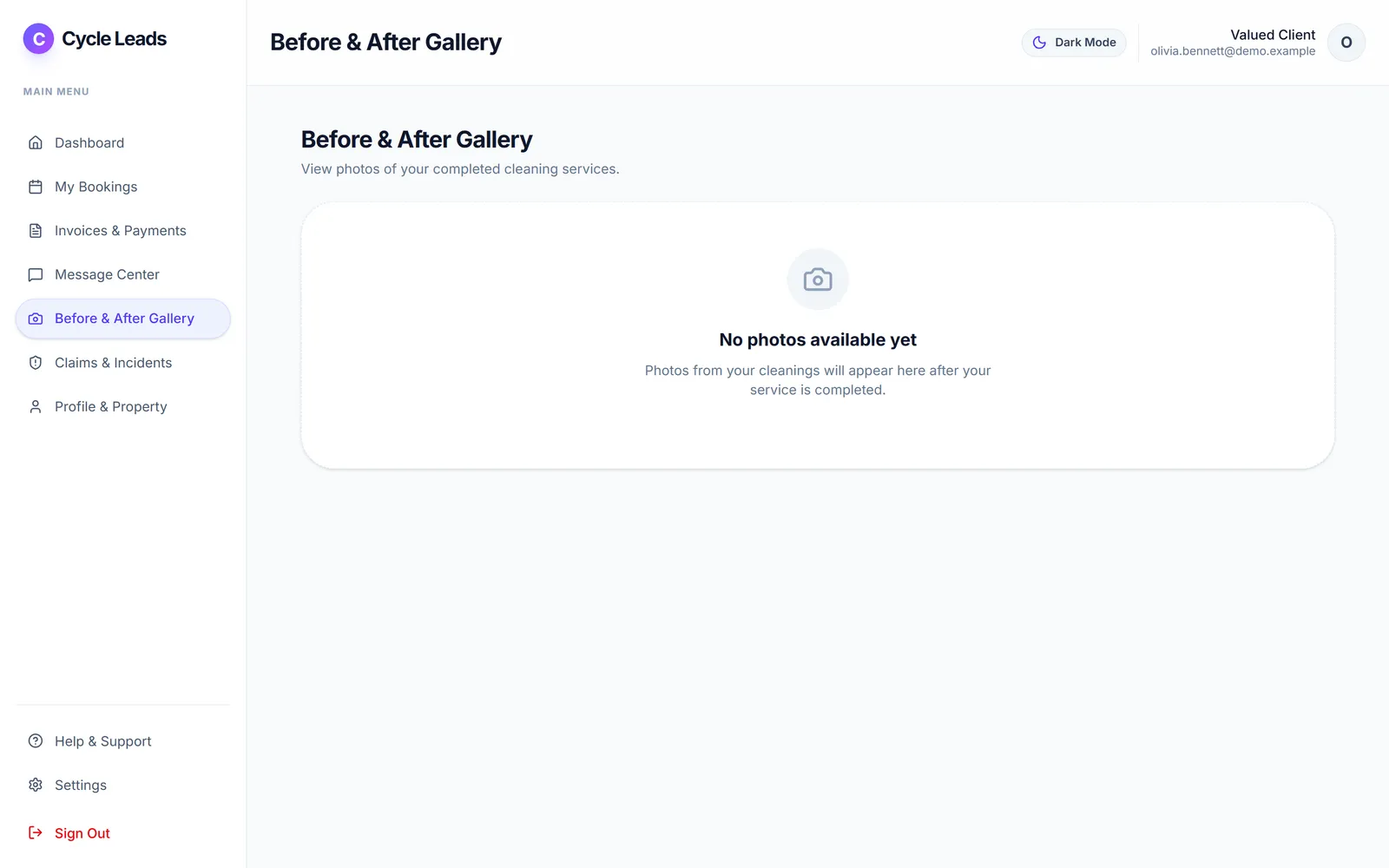
Select a step to see that part of the app.
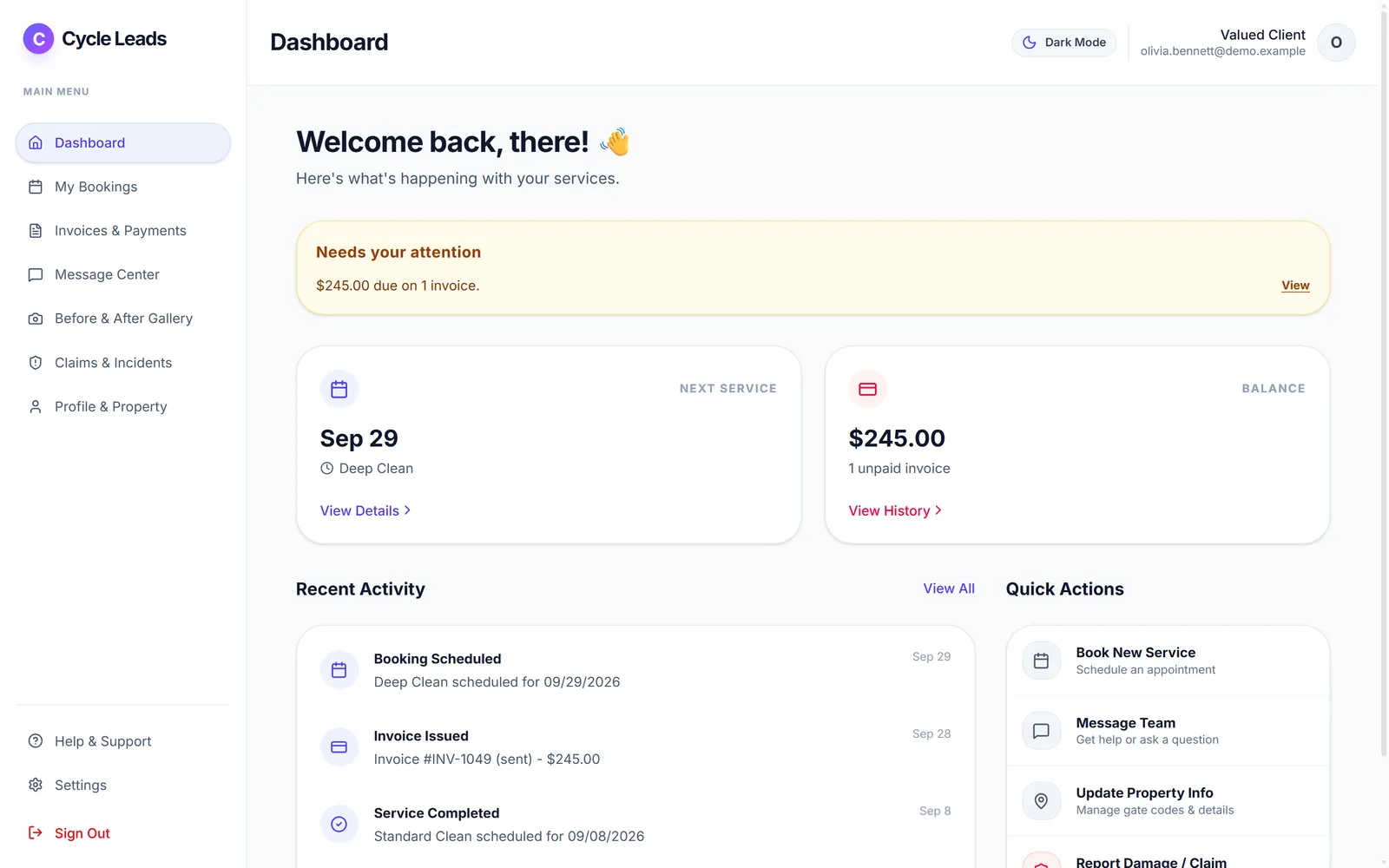
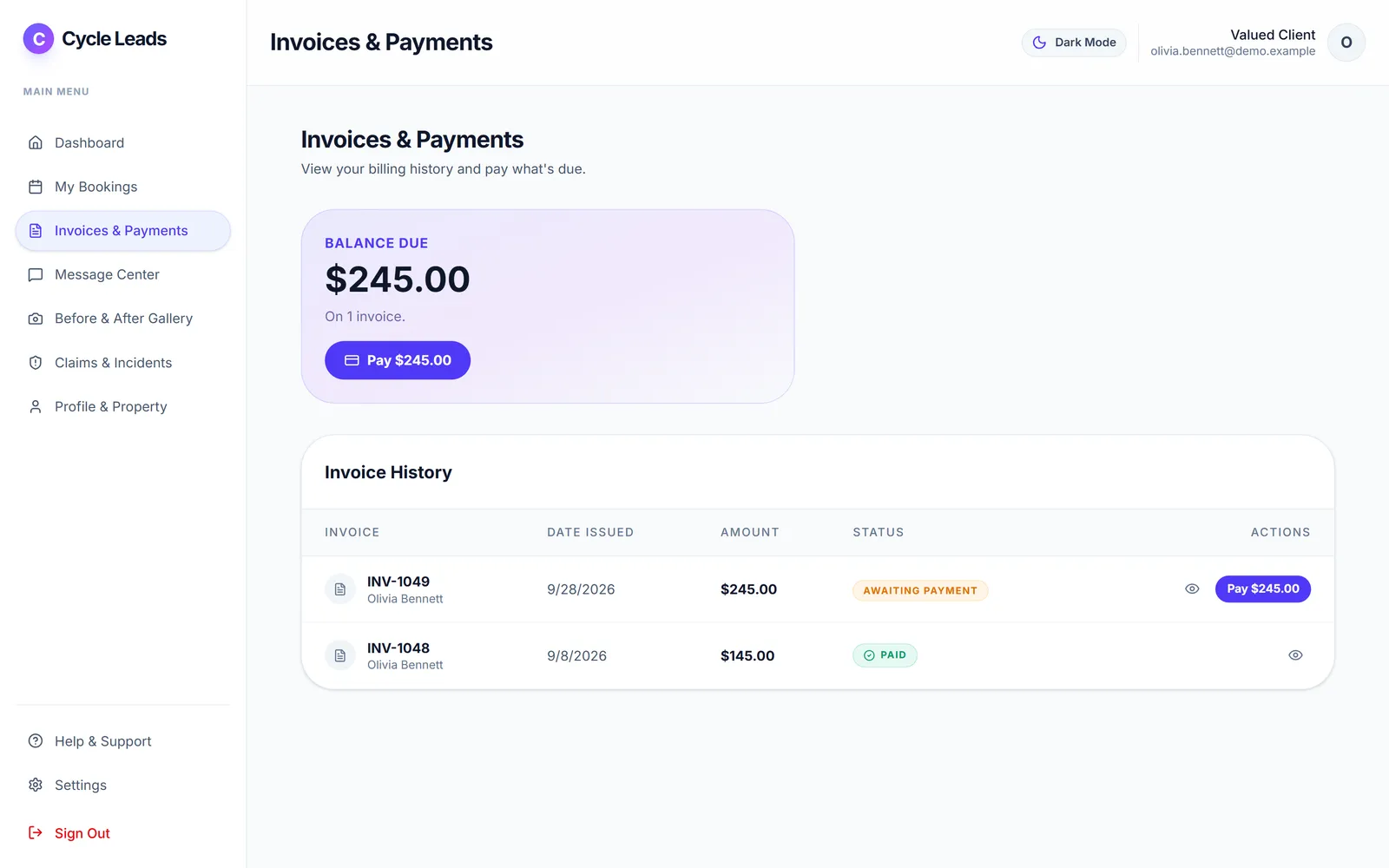
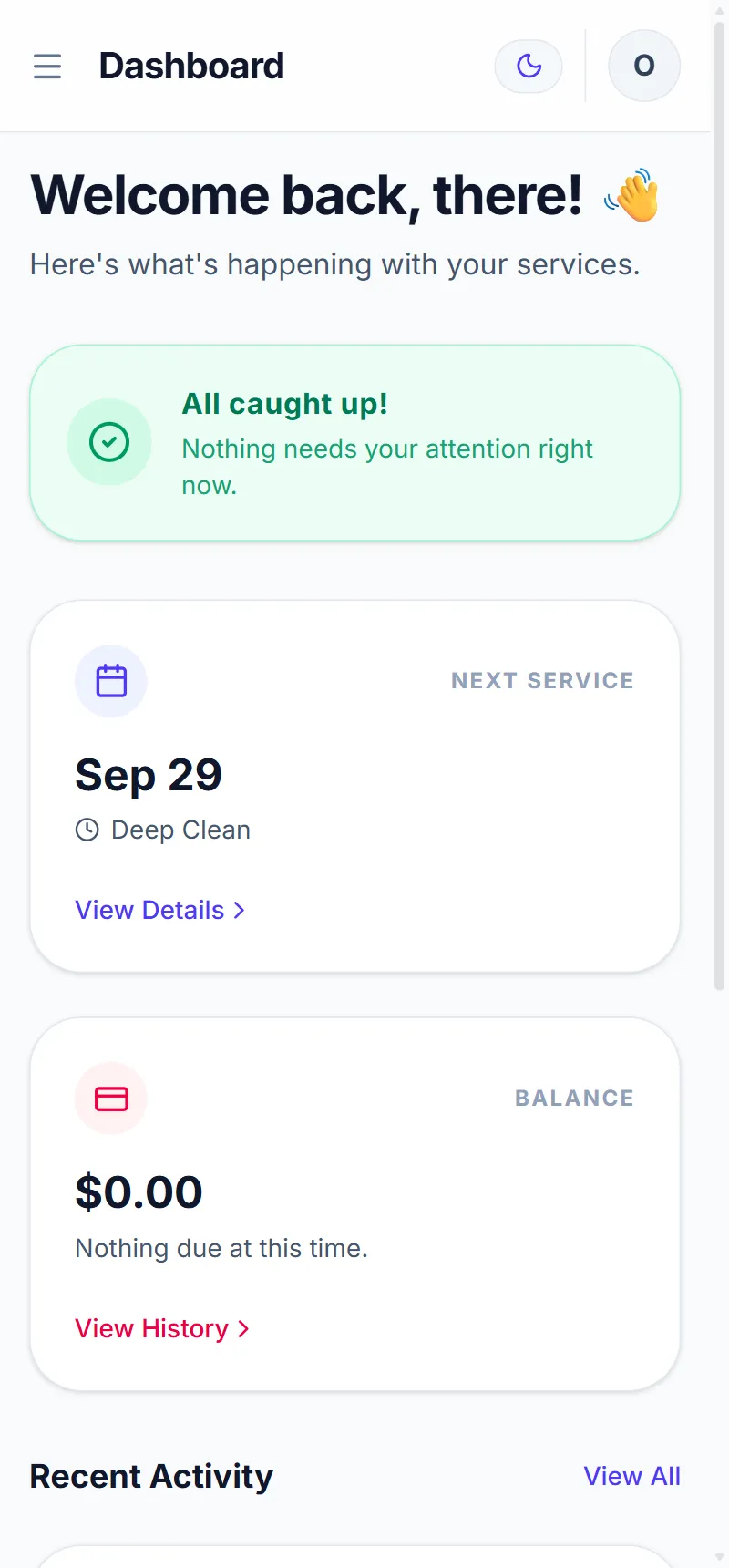
Most office calls are simple questions: when is my next clean, what do I owe, can I move it? The Client Portal answers them for you. Customers sign in to see their next service, their bookings with the assigned cleaner, their balance and every invoice, with a Pay button on anything open.
They can reschedule or cancel within the notice and fee rules you set, message your office, update property and access notes, see the before and after gallery, and report a concern through Claims & Incidents. It works on any phone.
Customers find their schedule, balance and invoices themselves.
Reschedules and cancellations follow the notice and fee rules you set.
Claims & Incidents gives customers a clear way to report an issue.
Click a screen to enlarge it.
Yes. My Bookings has Reschedule, and changes follow the notice and fee rules you set.
Yes. Invoices & Payments shows the balance due with a Pay button for each open invoice.
Yes. Profile & Property keeps their property details and access notes up to date.
Every plan starts with a free trial. Set up your workspace, add your services and see your first leads come in. No card needed to start.