Clear instructions
The scope and checklist travel with the job.
Cleaners see today's jobs, their pay, their weekly schedule and messages from the office. They accept offered jobs, drive, clock in, follow the checklist, add photos and clock out.
Real screens from the Cycle Leads app, shown with a demo business.
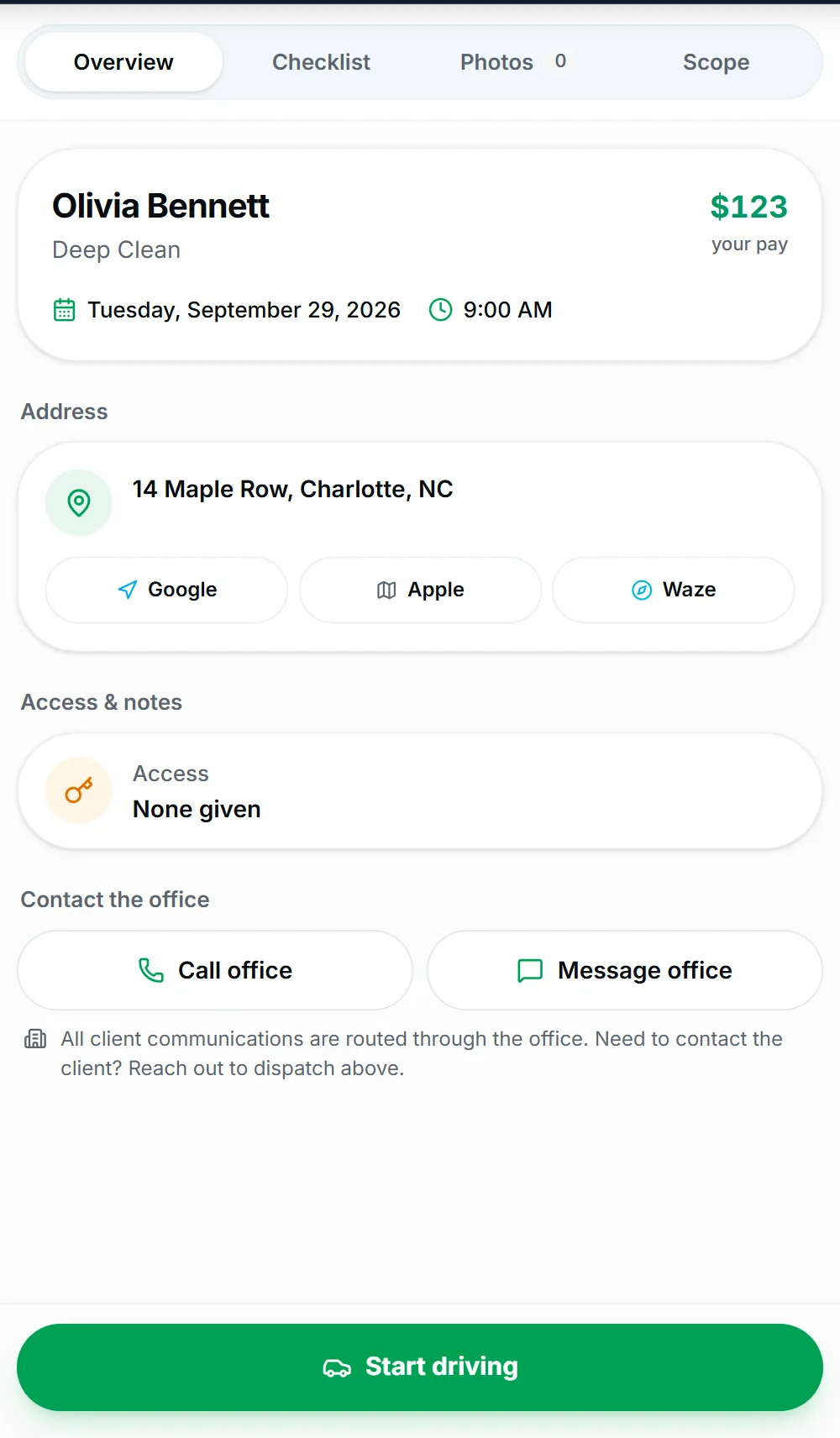
Select a step to see that part of the app.
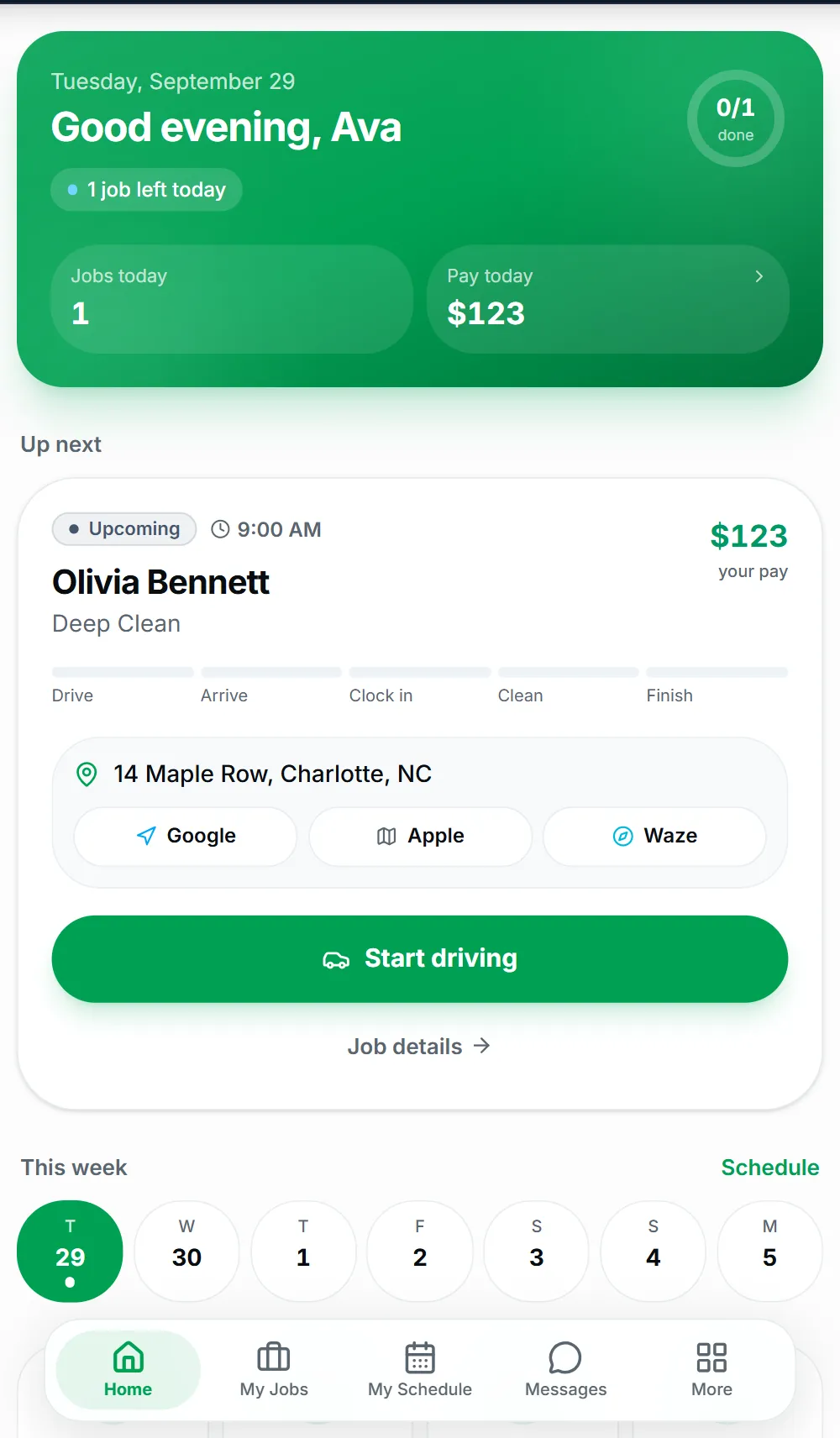
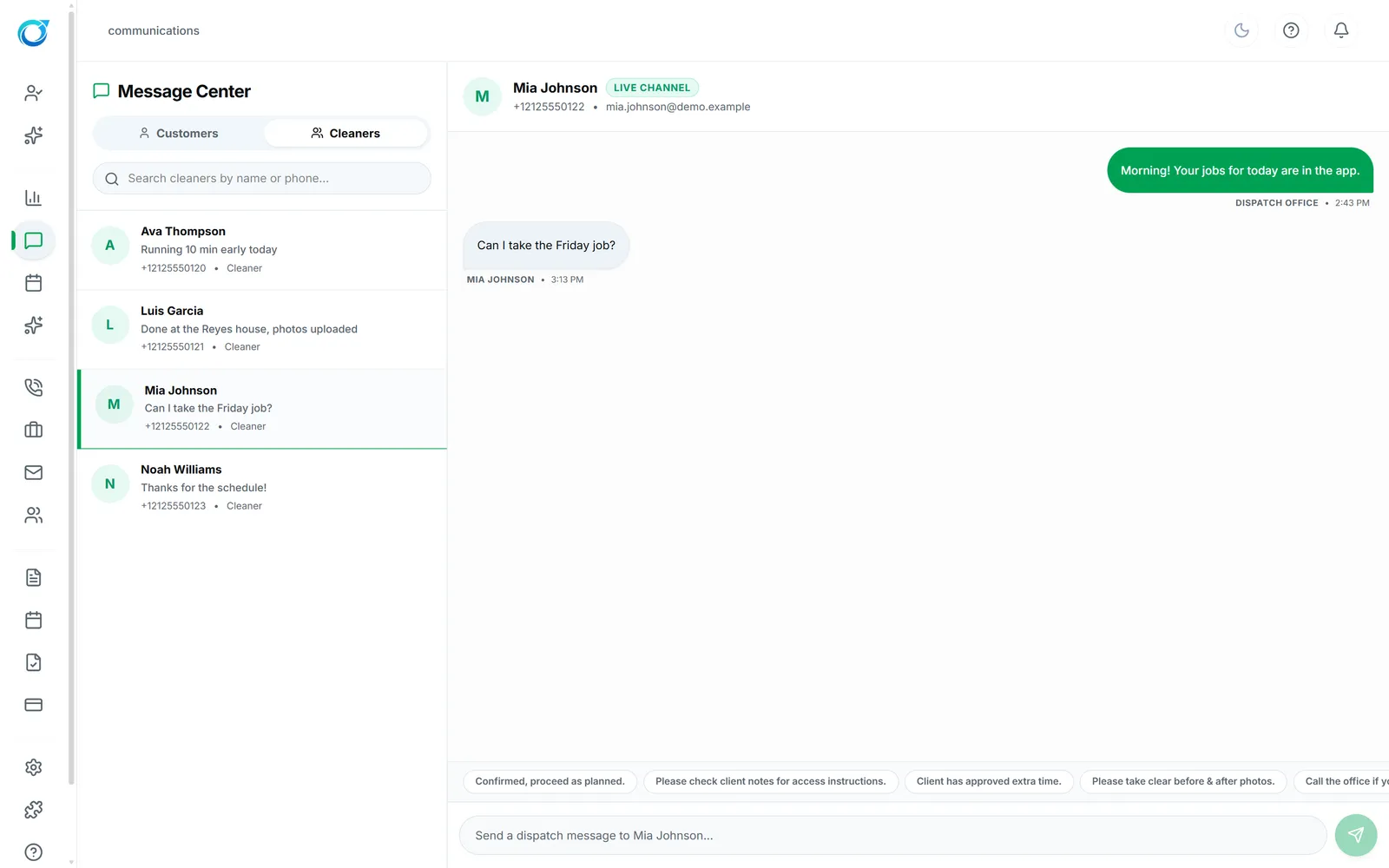
Cleaners should not need a group text and a paper checklist to do their job. The Cleaner Portal shows today’s jobs and pay, the weekly schedule, and messages from the office. Offered jobs arrive with Accept and Decline, so open jobs get covered quickly.
On site, each job has Overview, Checklist, Photos and Scope tabs with the address, access notes and a way to reach the office. Cleaners clock in, follow the room-by-room checklist, add before and after photos, collect the customer’s signature and clock out, and they can see what every job pays.
The scope and checklist travel with the job.
Cleaners see what each job pays and their pay history.
Messages, photos and clock times reach the office right away.
Click a screen to enlarge it.
The Cleaner Portal runs in the phone’s web browser, so cleaners sign in from any smartphone.
Yes. Job offers arrive in the portal with Accept and Decline.
Yes. They see what each job pays and their pay history in My Pay.
Every plan starts with a free trial. Set up your workspace, add your services and see your first leads come in. No card needed to start.