Your account, your money
Payments go straight to your own Stripe account.
Connect your Stripe account and take card payments from bookings, invoices and payment links. Customers pay from their portal; your team sees what is invoiced, collected and outstanding.
Real screens from the Cycle Leads app, shown with a demo business.
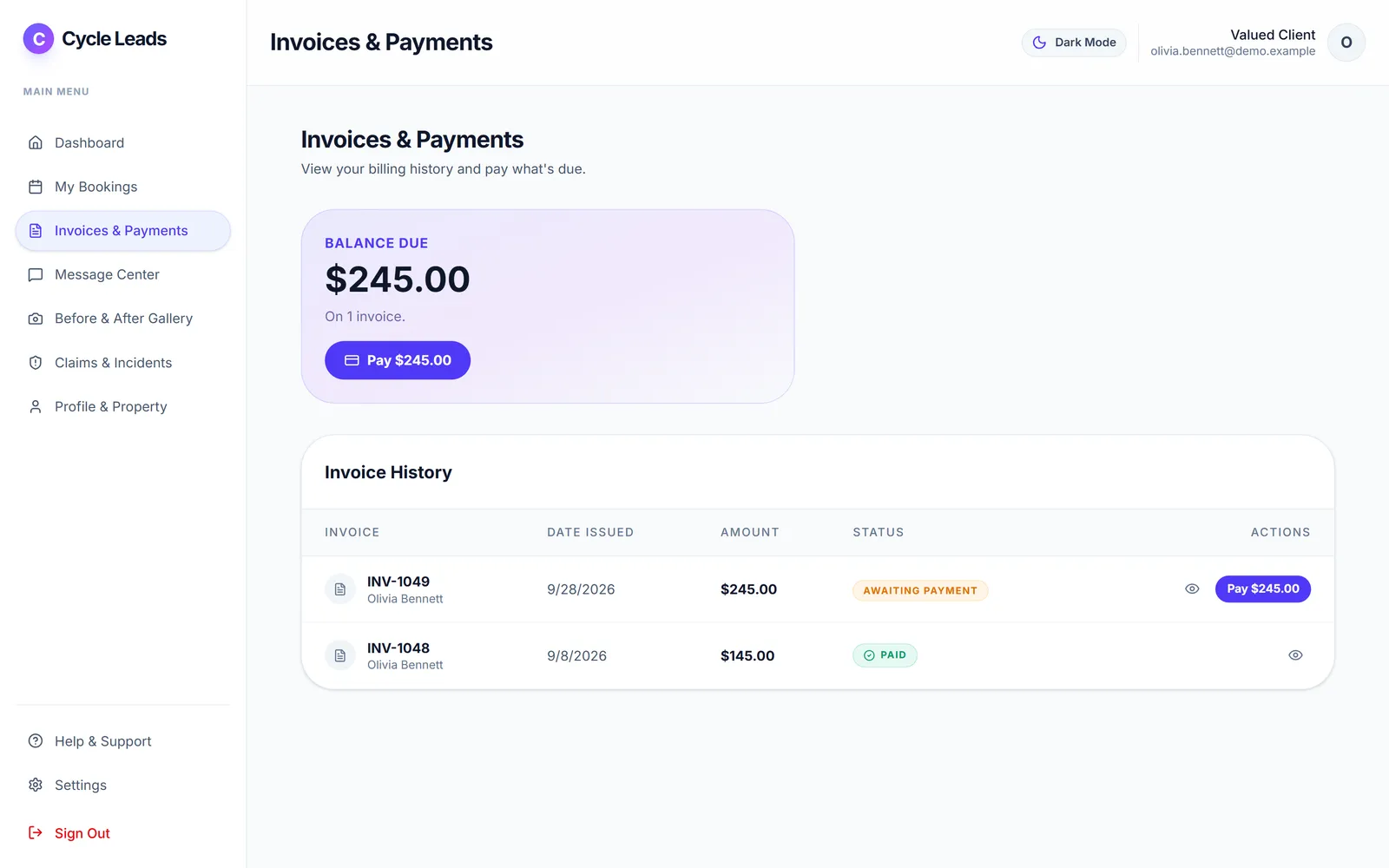
Select a step to see that part of the app.
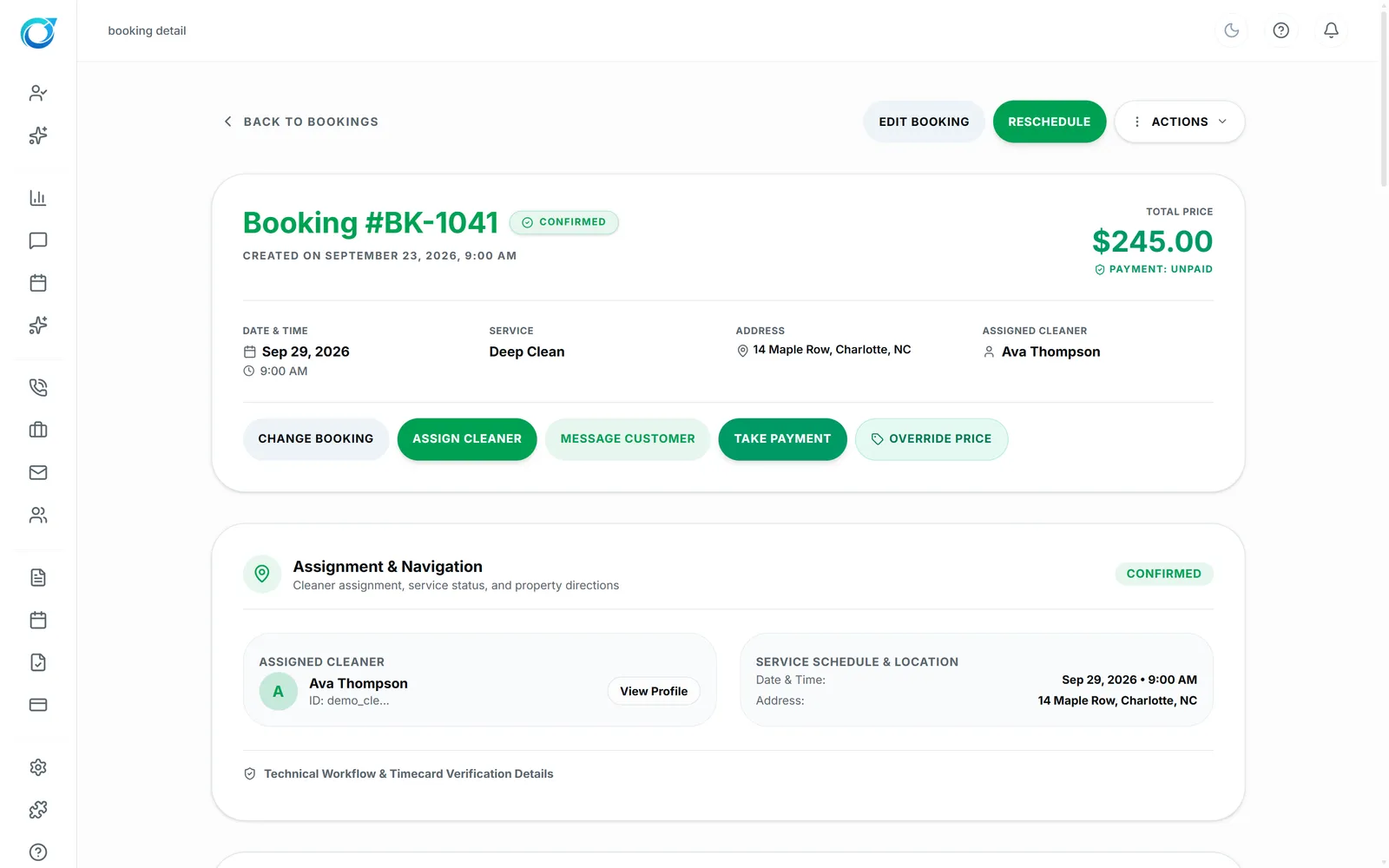
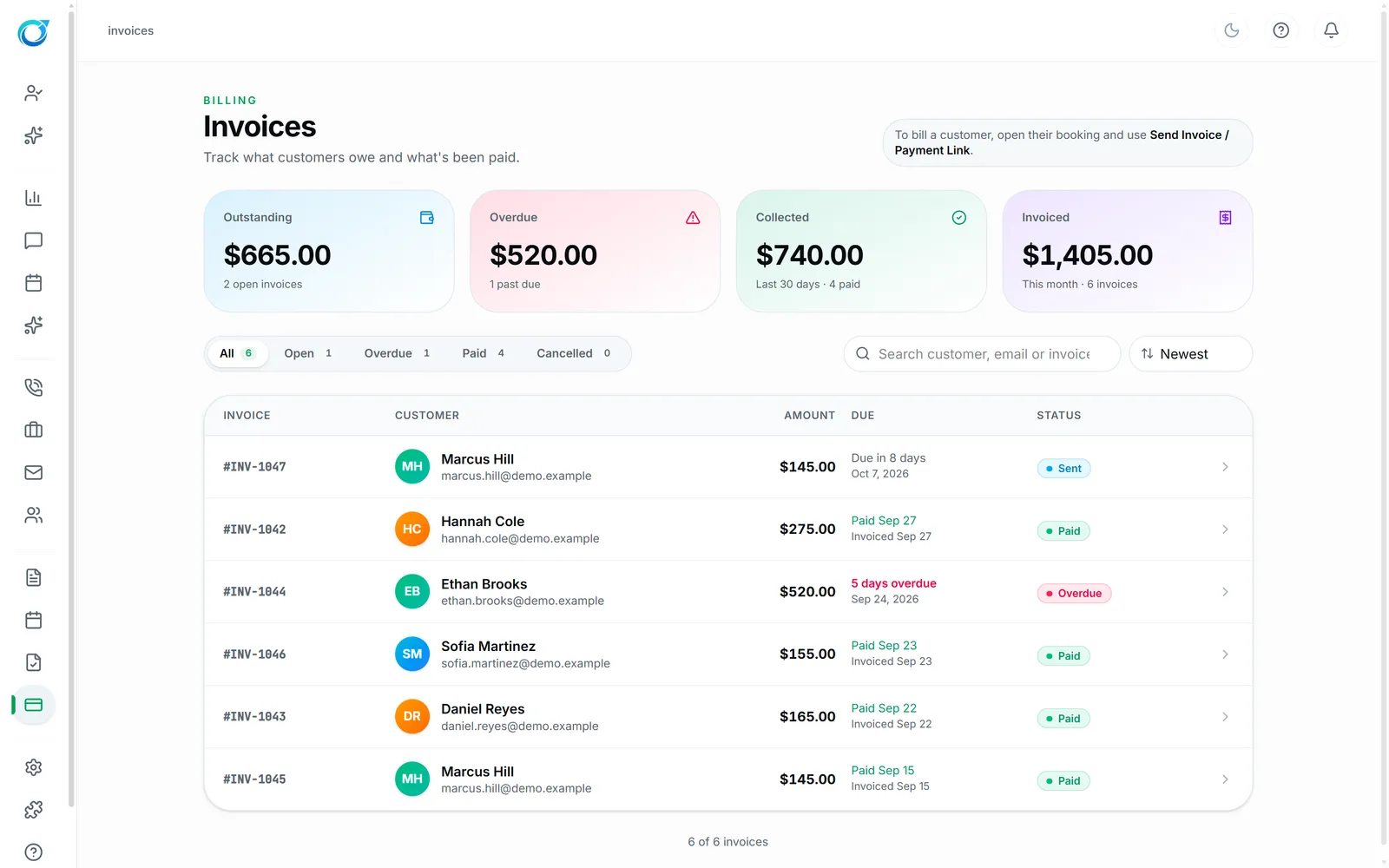
Chasing payments eats hours every week. Connect your own Stripe account and take card payments right from a booking with Take Payment, or send an invoice or payment link. Customers can also pay open invoices from their Client Portal.
Tips, additional charges and full or partial refunds are handled in the same place, and Invoices shows what is outstanding, overdue, collected and invoiced. The money goes straight to your Stripe account.
Payments go straight to your own Stripe account.
Payment links and the customer portal make paying easy.
Every invoice shows whether it is awaiting payment, paid or overdue.
Google Local Services Ads is listed as Coming soon on the Integrations screen.
Click a screen to enlarge it.
Yes. Payments are taken through your own connected Stripe account.
Yes. Tips and additional charges can be added, and refunds can be full or partial.
Yes. Open invoices appear in the Client Portal with a Pay button, and you can send a payment link by text or email.
Every plan starts with a free trial. Set up your workspace, add your services and see your first leads come in. No card needed to start.