Your rules, everywhere
Forms, quotes, scheduling and payments all read these settings.
Services and rates, scheduling windows and capacity, deposits and payment timing, booking rules, confirmations and notifications, each with a health check that tells you what still needs attention.
Real screens from the Cycle Leads app, shown with a demo business.
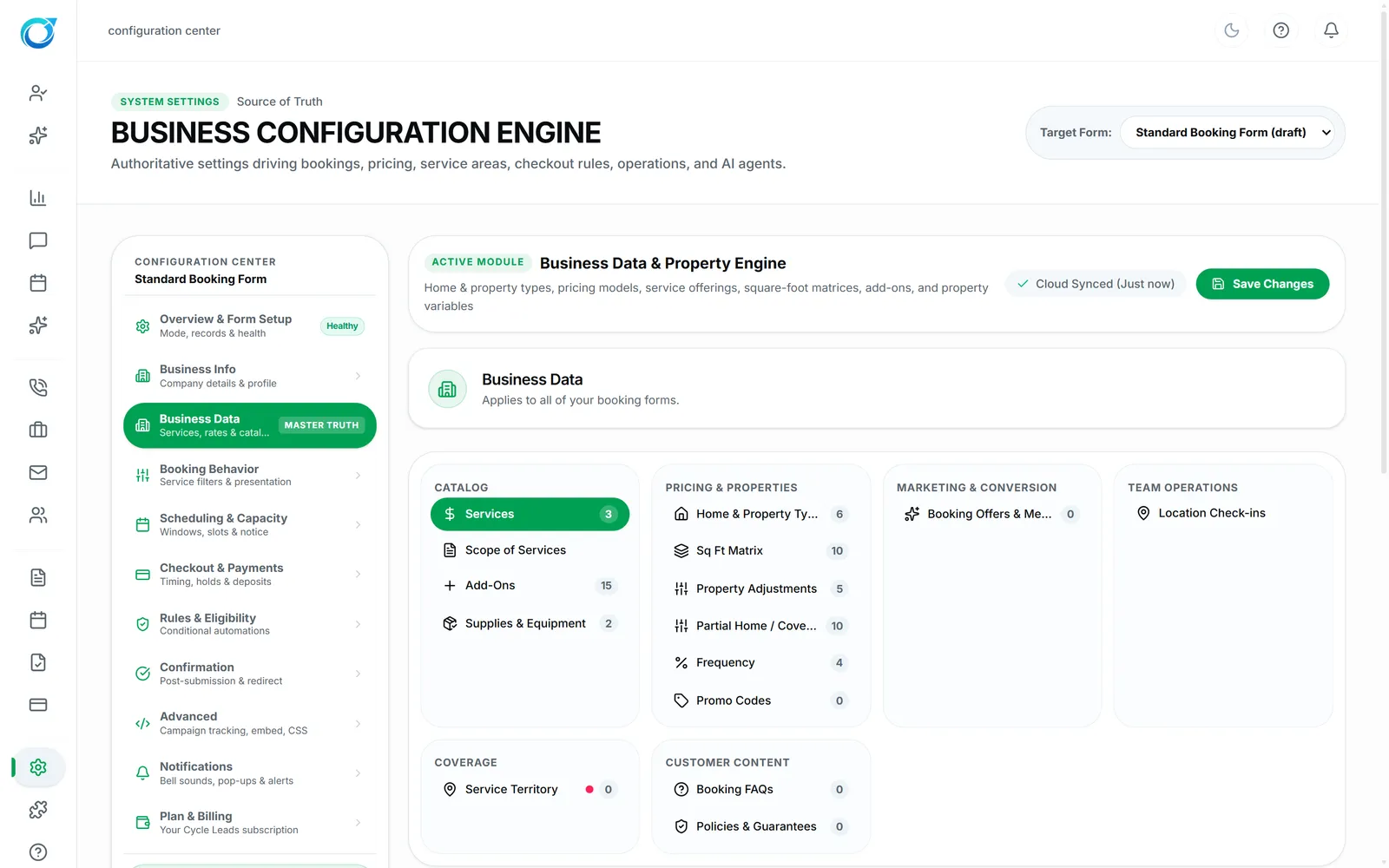
Select a step to see that part of the app.
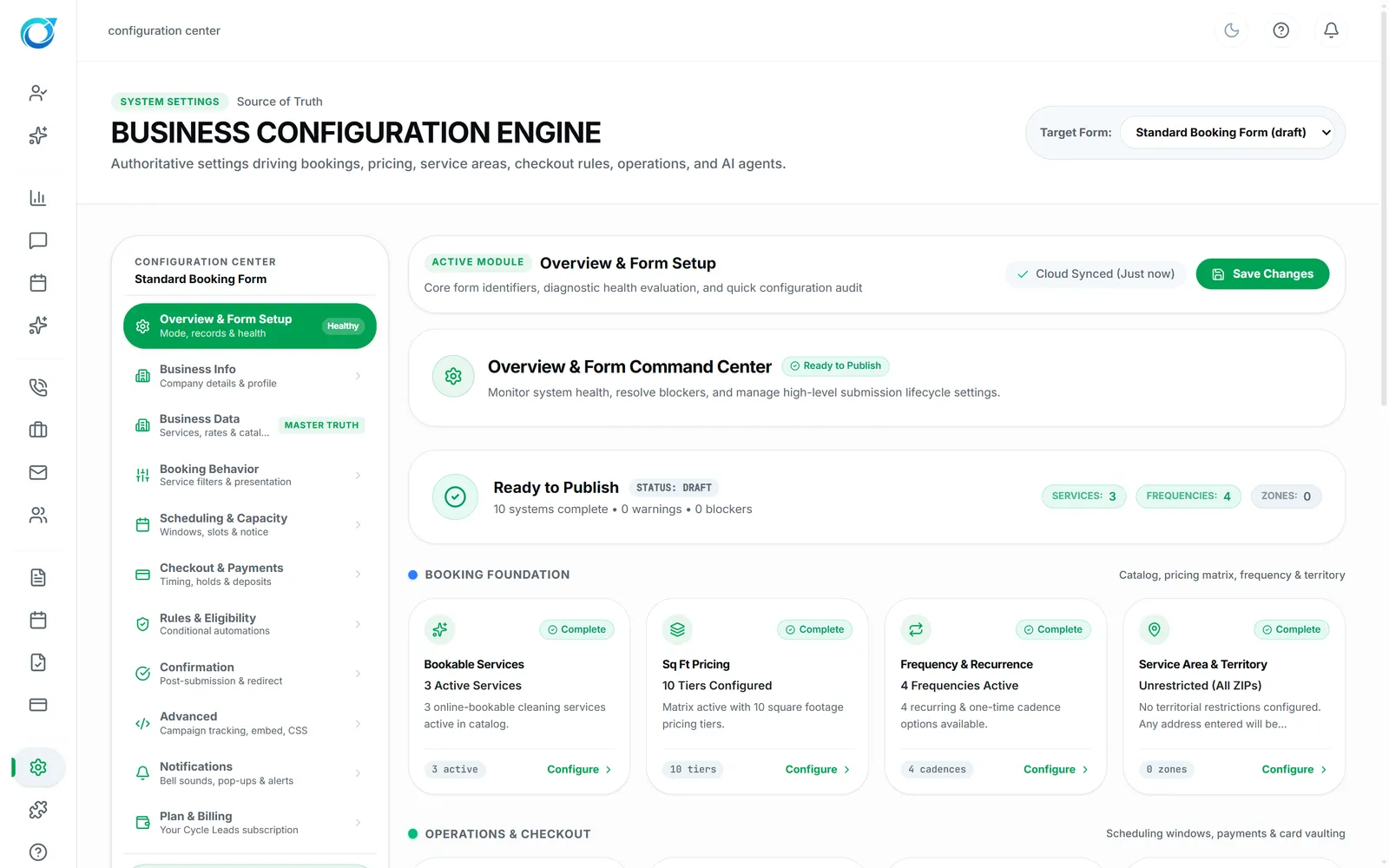
The Configuration Center is where your business rules live: services and rates, scheduling windows and capacity, deposits and payment timing, booking rules and eligibility, confirmations and notifications.
Booking forms, quotes, scheduling and payments all read these settings, so a change applies everywhere from then on. Each area shows Healthy or Action, so you can see what still needs attention before customers start booking.
Forms, quotes, scheduling and payments all read these settings.
Each area shows Healthy or Action.
Save a change and it applies from then on.
Click a screen to enlarge it.
In the Configuration Center, under Business Data.
Yes. Checkout & Payments sets deposits and payment timing.
Each area shows Healthy or Action, and Overview & Form Setup lists anything blocking your booking setup.
Every plan starts with a free trial. Set up your workspace, add your services and see your first leads come in. No card needed to start.